How to Create and Use Deep Links in
Matterport?
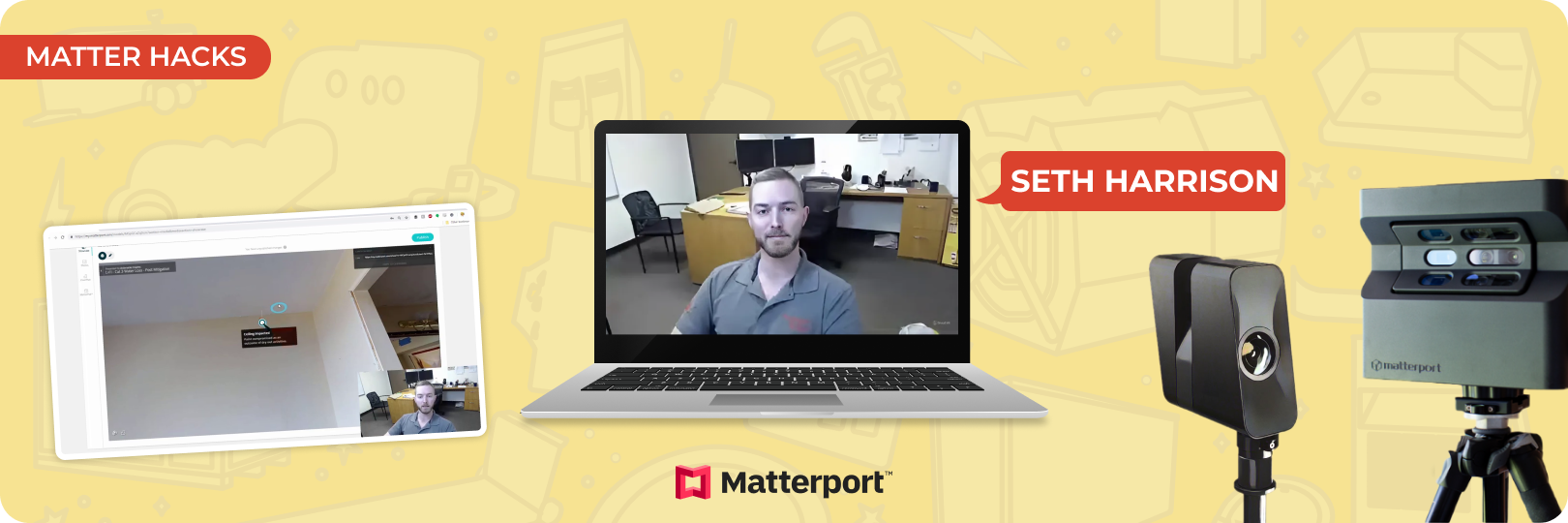
Matterport is transforming claim settlements with its advanced 3D scanning technology, offering detailed virtual tours of properties. This tool is invaluable for adjusters and contractors, enabling them to assess property damage remotely and accurately. A key feature of Matterport is deep links. In this article, we'll explore what deep links are in Matterport, how to create and use them, and their benefits. We'll also cover best practices and solutions to common issues related to deep links, ensuring you can maximize the potential of this feature.
What Are Deep Links in Matterport?
Deep links in Matterport are unique URLs that pinpoint a specific location within a 3D scan. Unlike a general link to a Matterport virtual tour, deep links allow users to jump directly to a precise spot, providing a view of a particular feature or area within the scanned property. This is particularly useful in scenarios where certain details need to be highlighted, such as water damage in a basement, fire damage to a wall, or other localized issues within a property.
Step-by-Step Guide to Creating Deep Links
Step 1: Log into Your Matterport Account
- Start by logging into your Matterport account using your credentials.
- Once logged in, navigate to the dashboard and select the 3D scan you want to work with. Make sure the scan is fully loaded before moving to the next step.
Step 2: Navigate to the Desired Location
- Use your mouse or keyboard to move through the 3D scan and find the specific spot you want to highlight.
- Zoom in and adjust your view to focus precisely on the area where you wish to create a deep link. This could be a damaged area or any building material that needs to be referenced.
Step 3: Press the U Key to Generate a Deep Link
- After positioning yourself at the desired spot in the 3D scan, press the “U” key on your keyboard.
- This will generate a deep link for the current view and display it in the top right corner of your screen.
Step 4: Copy and Share the Deep Link
- Click the “Copy” button or highlight the URL and press “Ctrl+C” to copy the link to your clipboard.
- For best practices, paste these deep links into F9 notes for easy reference, share the link directly with stakeholders like adjusters, contractors, or policyholders. Be sure to provide context when sharing the link to avoid any confusion.
Prefer watching the tutorial instead? Jump right in and view the video!
How to Use Deep Links in Claim Settlements
Deep links are a powerful tool for claim settlement when embedded into F9 notes within Xactimate. By generating a link to a specific point within a Matterport 3D scan, adjusters and contractors can directly reference the exact location they are discussing. Once the deep link is created in Matterport, copy and paste it into the F9 notes section of an Xactimate estimate. This allows anyone reviewing the estimate to click the link and be taken directly to the relevant spot within the scan, providing immediate visual context for the claim.
Examples of Scenarios Where Deep Links Enhance Clarity
Justifying a Line Item
For instance, if an adjuster is debating a repair cost with a contractor, a deep link can be used to show precisely where the damage occurred. This visual evidence helps justify the inclusion of a particular line item in the estimate.
Referencing Specific Damage Locations
When a policyholder is unsure about the extent of the damage, deep links allow them to see the exact area under discussion. This ensures transparency, helping policyholders understand why certain repairs are necessary. It also helps contractors clearly explain the scope of work.
Benefits of Using Deep Links in Matterport
Enhanced Communication
Deep Links in Matterport are powerful tools for fostering clear communication among all stakeholders. By providing a direct visual reference point in a 3D tour, they help ensure that adjusters, contractors, and policyholders all see the same details. This shared understanding makes discussions more productive, leading to faster consensus and reducing misunderstandings that could delay the claim settlement process.
Time Savings
One of the significant advantages of using deep links in Matterport is the time saved during claim settlements. Embedding links into documentation eliminates the need for lengthy explanations or multiple visits to the property. Instead, stakeholders can view the scene remotely, reducing the administrative workload and helping to shorten the overall claim cycle. This efficiency is particularly beneficial for managing multiple claims, as it allows adjusters to handle their workload more effectively.
Accuracy in Documentation
Deep links provide precision in claim documentation, which is critical in reducing disputes and errors. By linking directly to a specific spot in a Matterport 3D scan, adjusters can ensure that the referenced location is visible to all parties involved. This minimizes the risk of mistakes or misinterpretations, which can often occur when descriptions are vague or when multiple areas of a property need examination.
Matter Hacks
Matter Hacks is a series by Actionable that shares the best tips and tricks for using Matterport. Whether it's exploring unique applications of geospatial technology or diving into various features, our short, quick tutorials cover everything you need to know. For more tutorials, visit our channel.
Become a Certified Matterport Expert in Just 4.5 Hours!
Matterport’s technology is transforming the property insurance industry by bringing efficiency and transparency to the claims settlement process. The Actionable Matterport Certification course equips you with the skills to fully utilize this revolutionary technology, enabling you to scale its training and implementation across your company. You'll be prepared to leverage Matterport as intended.
Check it out nowAbout Actionable
We're a 501(c)(6) educational non-profit, meaning that everything we do goes into developing and maintaining tools and resources to help the industry thrive.
For any questions, reach out to us below: