Where to Find Auto-Generated Videos and GIFs
From Your Matterport Scans
Welcome to another blog post by Actionable! Did you know that Matterport automatically generates short videos and GIFs from your Matterport pre- and post-mitigation scans? This Matter Hack allows you to quickly share your scanning assets with your marketing team and other key stakeholders.
Finding Auto-Generated Videos and GIFs
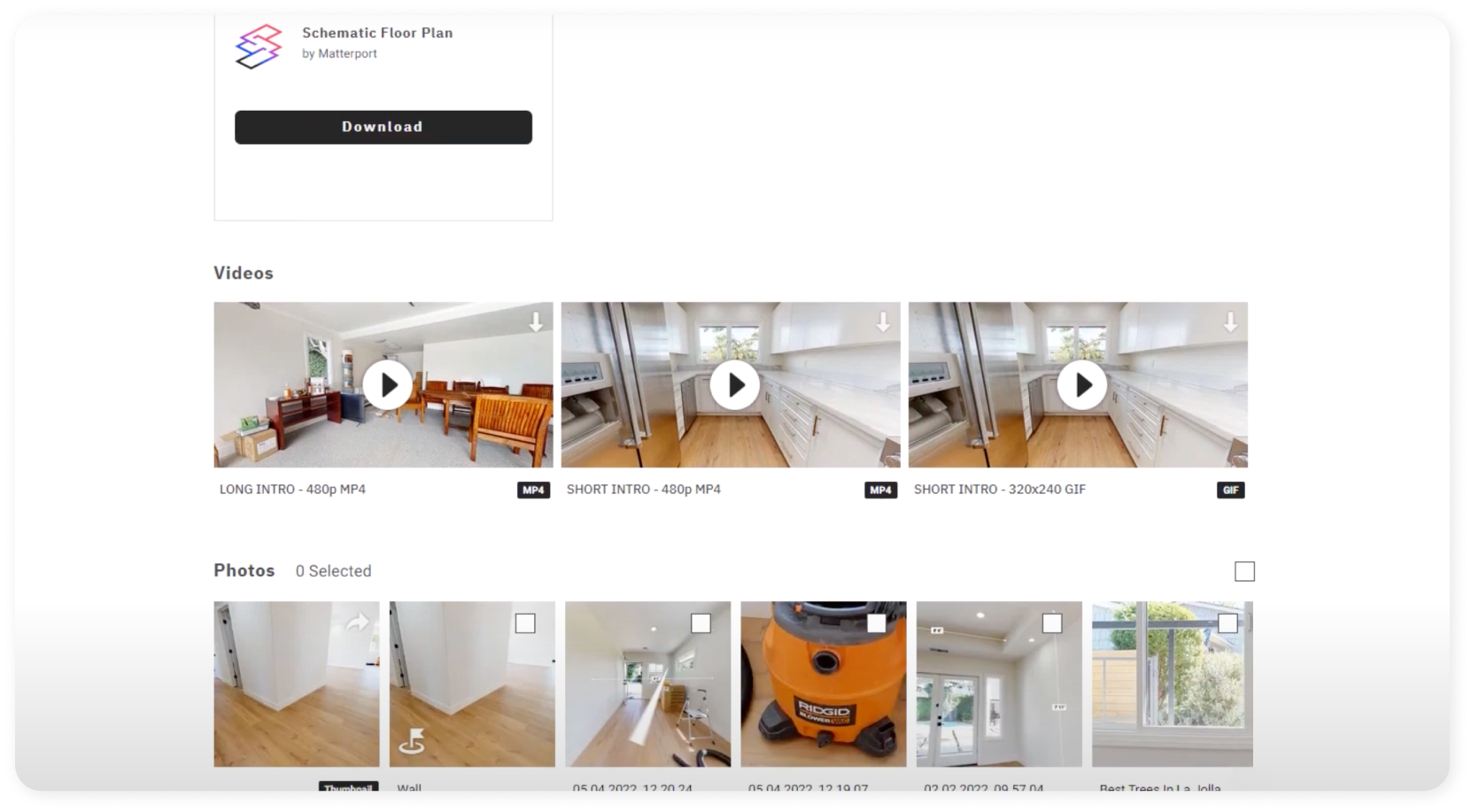
To access the pre-generated videos and GIFs, visit my.matterport.com and navigate to an uploaded scan on your account. Once there, select the "Downloads" tab, where you'll find three types of videos:
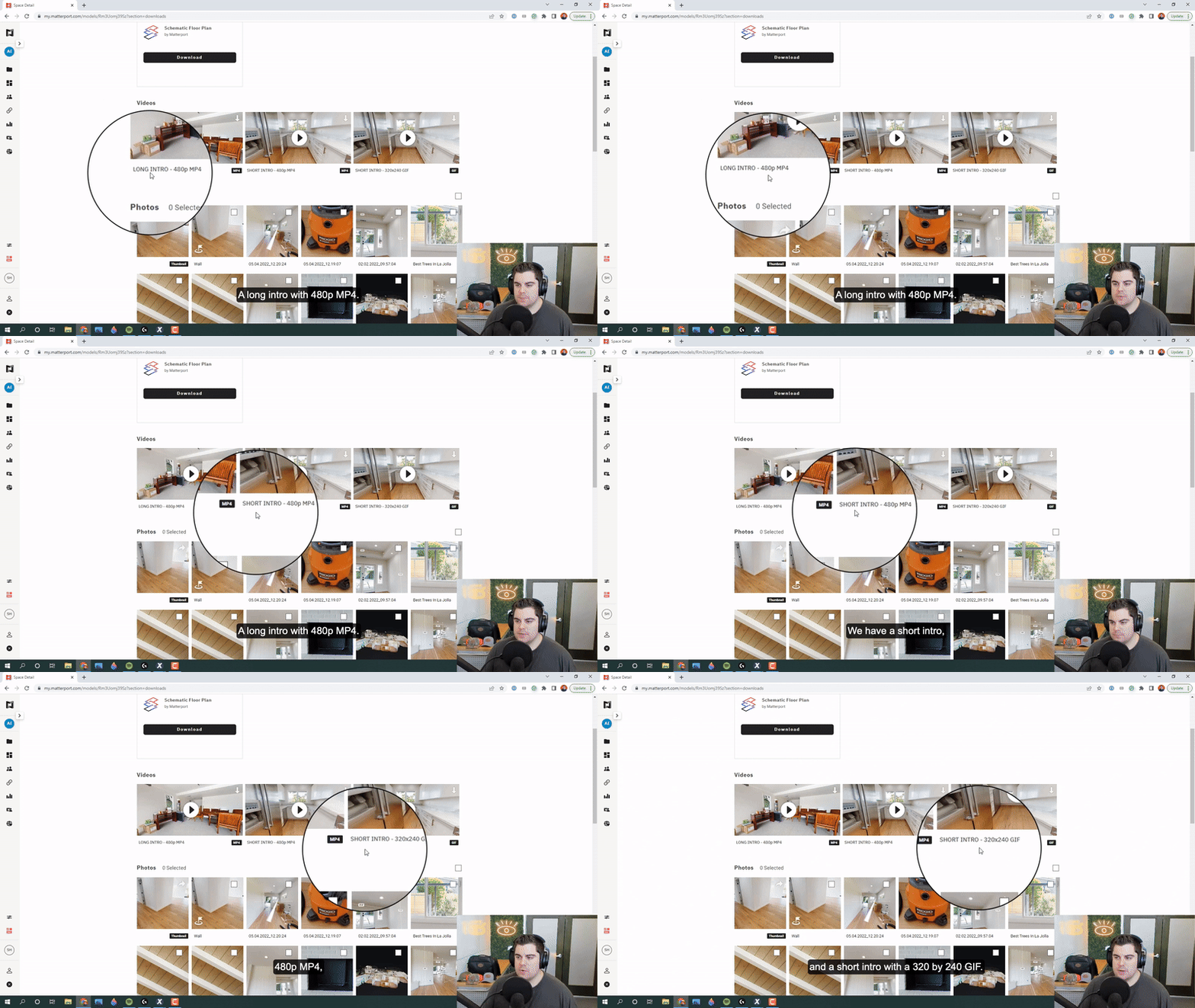
1. Long intro (480p MP4)
2. Short intro (480p MP4)
3. Short intro (320 x 240 GIF)
You can download these individually by clicking the download buttons on the top-right corner of the thumbnail or view them directly on the website by clicking the "Play" button.
Video Types
1. Long Intro: A 12-second video showcasing the main selling points of the property, such as spacious bedrooms, living rooms, kitchens, and garages.
2. Short Intro: A 9-second video primarily focuses on one area, such as the kitchen, followed by a quick dollhouse view of the entire property and ending back in the highlighted area.
3. GIF: A small-format file providing a quick glimpse of a specific area, such as the kitchen, followed by a dollhouse view.
Note that you won’t be able to edit these videos.
Using Auto-Generated Videos and GIFs
While these videos and GIFs may not directly aid in settling claims, they can be valuable for your marketing efforts, educational and training purposes, and sharing with important stakeholders. Most importantly, they help showcase the excellent work your company does and the range of projects your team can handle.
Conclusion
These pre-generated videos and GIFs are just one of many untapped Matter Hacks we love talking about — and they always leave a great impression on viewers! Accessing these assets is simple through my.matterport.com.
Stay tuned for more Matter Hacks! If you have any additional questions or comments, feel free to send us a message at support@getinsights.org. Until next time, happy scanning!