How to create a free Matterport Account
for a Policy Holder
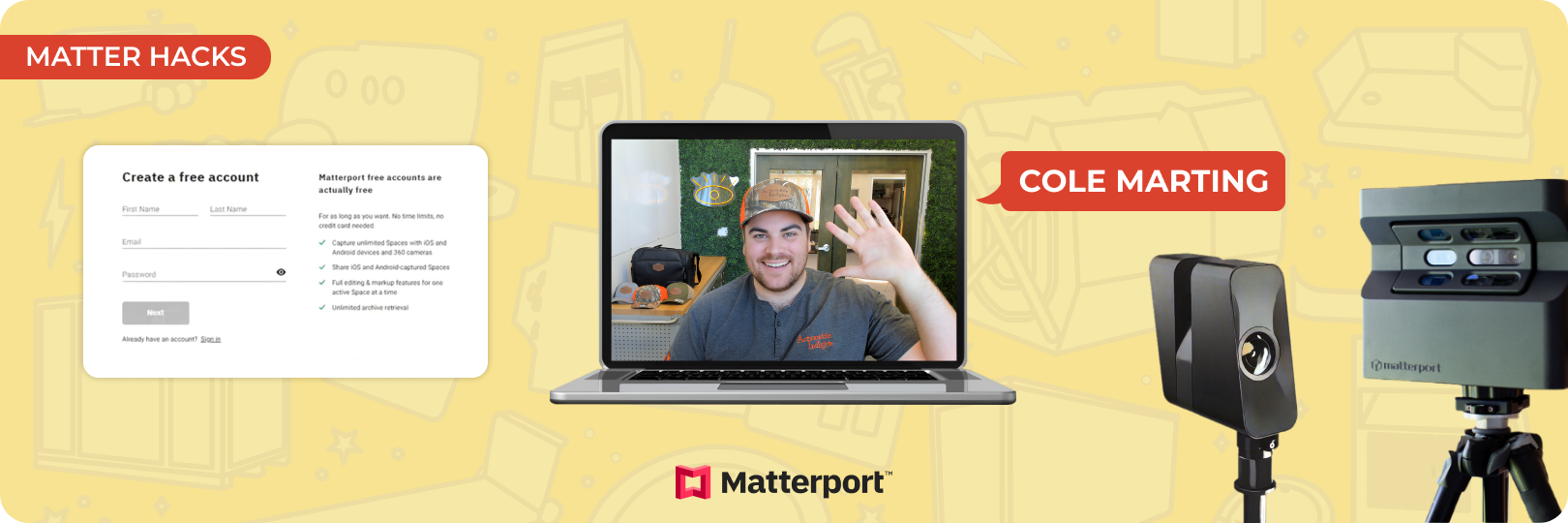
Setting up a Matterport account can be a game-changer for policyholders. With a free Matterport account, they can securely store and access one 3D scan forever at no cost. Creating a Matterport account is simple and requires no credit card. It ensures that policyholders always have a detailed record of their property, which can be invaluable during secondary losses or insurance claims.
In this guide, we’ll walk you through the exact steps to create a free Matterport account, transfer scans, and manage them effectively. By the end, you’ll understand how a Matterport account free of charge can strengthen your connection with policyholders while providing them long-term value. Let’s get started.
Why Create a Free Matterport Account for
Policyholders?
A free Matterport account offers policyholders significant value and convenience, making it a practical choice for restoration professionals. Here's why setting one up can benefit both you and your clients:
Long-term Access to Scans
A free Matterport account allows policyholders to keep one scan forever at no cost. Whether it's a pre-mitigation scan to document initial damage, a post-mitigation scan showing progress, or a post-repair scan highlighting the finished work, this long-term access ensures they always have a detailed record.
Enhanced Documentation
Having visual proof can make a world of difference in insurance claims. A Matterport account provides clear, immersive 3D scans that simplify the process for all stakeholders involved.
Cost Savings
A free Matterport account removes financial barriers for policyholders, providing them with a powerful tool at no cost. This ensures they have access to essential documentation at no additional cost.
Professional Collaboration
Sharing a Matterport account fosters trust and transparency. Policyholders can view detailed 3D scans of their property, giving them a clear understanding of the restoration work. This collaborative approach enhances communication and builds confidence in your services.
Brand Recall
Every time policyholders access their Matterport account, they’ll remember your professionalism and care. This brand recall makes them more likely to return to your company for future restoration needs or refer you to their family and friends.
Step-by-Step Guide to Creating a Free Matterport Account
Creating a Matterport free account for a policyholder is straightforward and ensures they can access essential property scans without added costs. Follow these steps to set up the account:
Access Matterport's Website
- Visit my.matterport.com.
- Click "Sign Up for Free" under the login options
Fill in the Required Details
- Provide the requested information, including:
- Organization Name: Use your company name instead of entering "Policyholder."
- Industry Category: Select "Property Insurance" from the dropdown.
- Ensure accuracy, as this data customizes the account for property-related needs.
Complete the CAPTCHA
- Solve the CAPTCHA challenge to verify you're not a robot.
- Follow on-screen instructions (e.g., selecting images) to complete this step.
Submit the Form
- Double-check all entered details.
- Click "Finish" to complete the account creation process.
Confirm Policyholder Access
- Once the account is created, a welcome email will be sent to the provided email address.
- Share the login credentials (email and password) with the policyholder to ensure they can access their Matterport account free of charge.
Transferring a Scan to the Policyholder’s Account
Transferring a scan to a free Matterport account helps policyholders keep important records forever. It’s a simple way to share clear documentation of their property.
Why Transfer a Scan?
Transferring a scan to a free Matterport account ensures policyholders have lasting access to important documentation. These scans serve as a reliable visual record. Having these records stored permanently in their account provides policyholders with peace of mind and clarity.
Additionally, this helps build transparency and trust with policyholders by ensuring they have the tools to navigate their claims efficiently. This small step can leave a lasting impression and strengthen your professional relationship with the policyholder.
How to Transfer a Scan
Choose the Scan
- Talk to the policyholder and decide which scan they want. Options include:
- Pre-mitigation: Shows the damage before work starts.
- Post-mitigation: Captures progress and equipment setup.
- Post-repair: Highlights the final restored property.
Send the Scan
- Go to the scan in your Matterport account.
- Use the transfer or sharing feature to send it to their Matterport free account.
Confirm the Transfer
- Matterport will email the policyholder, asking them to accept the scan.
- Let them know to check their email and accept the transfer.
Best Practices for Managing a Policyholder’s
Matterport Account
Organize Account Credentials
Securely share the Matterport account credentials, including the email and password, with the policyholder. Ensure they can access their free Matterport account while keeping the information safe. Proper organization helps avoid any issues when logging in later.
Explain Account Features
Educate the policyholder on the tools available in their Matterport free account. Walk them through viewing their scan, using editing and markup tools, and retrieving archived spaces. Understanding these features ensures they can fully benefit from their free Matterport account without confusion.
Leverage for Future Losses
Highlight the long-term advantages of their Matterport account free of cost. Explain how the scan can document the property’s condition, which can be useful for addressing secondary losses or future claims. This reinforces the value of having a permanent visual record for reference.
Become a Certified Matterport Expert in Just 4.5 Hours!
Matterport is transforming property insurance by making claims settlement more efficient and transparent. The Actionable Matterport Certification teaches you how to use this technology effectively, implement it across your company, and apply it to areas like sales, operations, risk management, and client retention.
To Conclude
Using a Matterport free account isn't just a smart move; it gives policyholders a reliable way to access scans that document their property. For professionals, it’s a chance to build trust, provide clarity, and create lasting value. By understanding how to create and manage a Matterport account, you can set yourself apart in the property insurance and restoration space.
About Actionable
We're a 501(c)(6) educational non-profit, meaning that everything we do goes into developing and maintaining tools and resources to help the industry thrive.
For any questions, reach out to us below: