Logging In To X1 and Syncing Profiles
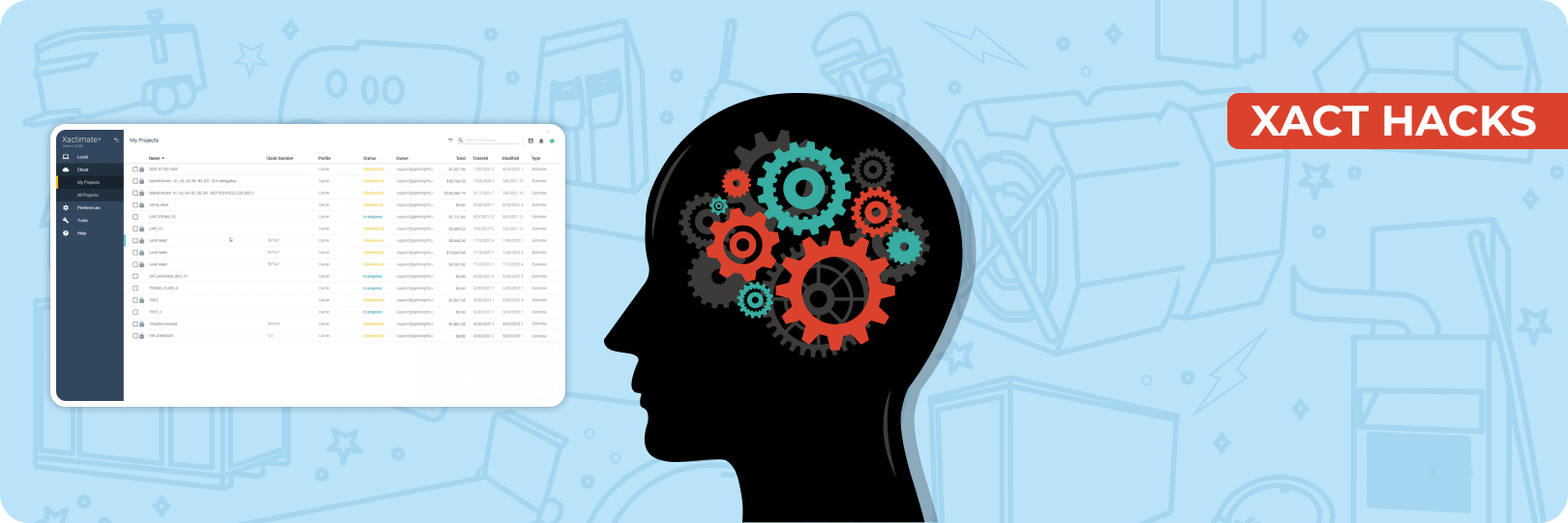
Xactimate X1 is the latest version of Xactimate, the most powerful estimating software. With advanced tools and seamless integration, Xactimate X1 simplifies workflows, ensuring accuracy and efficiency at every step. For estimators, the first step to using these features is logging into Xactimate X1 and syncing the necessary profiles. In this guide, we’ll walk you through how to log in to Xactimate X1 for the first time and sync your Xactimate profile to enhance your estimating experience.
Step-by-Step Guide to Logging Into X1
Logging in with Your Xactimate ID
To access the full potential of Xactimate X1, you’ll need to start with your Xactimate login. Here's how:
- Open Xactimate X1 on your device.
- Enter your Xactimate ID in the login field.
- Input your password. (If you’re unsure of your credentials, check with your administrator or Xactware support.)Once logged in, you’ll be directed to the main interface of Xactimate X1, ready to begin syncing your Xactimate profile.
Accessing X1 for the First Time
When logging into Xactimate X1 for the first time, you’ll be prompted to select and sync the profiles you want to use. This step is essential for accessing features tailored to your specific estimating needs.
Select the Profile You Want to Sync
Select one profile you will be working in when logging in for the first time (Contractor, Carrier, Actionable, etc). While you can select multiple profiles to sync when logging in for the first time, we recommend only selecting a single profile during your first login. You will be able to sync additional profiles after login is complete under the Tools tab of X1 Xactimate.
Understanding Profiles in X1
When logging into Xactimate X1, it is crucial to select and sync the right profile. Profiles in Xactimate X1 are designed to cater to different types of users, providing tailored tools and reports based on specific needs. Let’s explore the available profiles and how they can enhance your estimating process.
Carrier Profile
The Carrier Profile is one of the most recommended choices for estimators due to its versatility and comprehensive features. Unlike other profiles, it offers fewer limitations and a broader range of tools, making it suitable for handling complex and varied estimates.
Why Choose the Carrier Profile?
- Includes all the tools needed for accurate and detailed estimates.
- Provides flexibility for working on diverse projects without restrictions.
- Ideal for users who want to maximize the functionality of Xactimate X1.
Contractor Profile
The Contractor Profile is tailored for professionals who focus on job-specific reporting. While it has fewer features compared to the Carrier Profile, it includes exclusive reports that are essential for contractors.
Why Use the Contractor Profile?
- Offers detailed job-specific reports that cater to contractor needs.
- Best for users who require reports unavailable in the Carrier Profile.
Carrier-specific Profiles
Carrier-specific profiles are invaluable for estimators writing estimates in managed repair environments or program work. These profiles are customized for particular carriers, such as Branch Insurance.
Actionable Xactimate Profile
Among all the profiles available in X1 Xactimate, the Actionable Xactimate Profile stands out as it is specifically designed to help estimators write increasingly accurate and thorough estimates.
What Makes the Actionable Xactimate Profile Unique?
- Live Estimating Guidance: The Actionable Profile, powered by over 3,500 alerts, helps estimators identify omissions, overages, and other discrepancies in real time.
- Industry-Standard Default Preferences: This profile reflects the realities of field execution, ensuring estimates align with real-world practices, unlike other profiles that often fail to do so.
- Access to Actionable Macros: Includes over 100 pre-built macros for some of the most common and complex scenarios to help you increase your productivity.
Syncing Profiles During Your First Login
Syncing profiles during your initial Xactimate log-in is a crucial step in setting up your Xactimate X1 account. This process connects your account to the cloud, loads essential data, and ensures you have access to the profiles you need for efficient estimating.
Step-by-Step Process for Syncing Profiles
Log In to Xactimate X1:
Enter your Xactimate ID and password to access your account.
Select the Profiles You Want to Sync:
Choose from standard profiles like Carrier and Contractor. Don’t forget to sync the Actionable Xactimate Profile for its advanced tools and live estimating guidance.
Connect to the Cloud:
Syncing connects your account to the cloud, loads necessary data, and ensures you have access to files and preferences.
Watch the video to understand the process with a demo.
Become an Expert Estimator with The Actionable Profile
and Xact Best Practices Bootcamp
Mastering Xactimate X1 requires not just familiarity with its interface but also a deep understanding of its tools, and that’s where the Actionable Profile and Xact Best Practices Bootcamp comes in.
Whether you’re a beginner getting acquainted with Xactimate X1 or an experienced estimator looking to refine your skills, this comprehensive training helps you unlock the full potential of Xactimate, especially the Actionable Profile.
- Build confidence in navigating Xactimate X1.
- Learn to seamlessly sync Xactimate profiles and adapt them to your workflow.
- Stay ahead with advanced tools and strategies that elevate your estimating skills.
Conclusion
Efficient estimating begins with proper setup and training. From logging in to Xactimate X1 and syncing essential profiles to selecting tools like the Actionable Xactimate Profile, each step sets the stage for better, more accurate estimates. Explore more articles and resources to deepen your understanding of Xactimate X1 and its features.
About Actionable
We're a 501(c)(6) educational non-profit, meaning that everything we do goes into developing and maintaining tools and resources to help the industry thrive.
For any questions, reach out to us below: