Requesting a Price List in X1
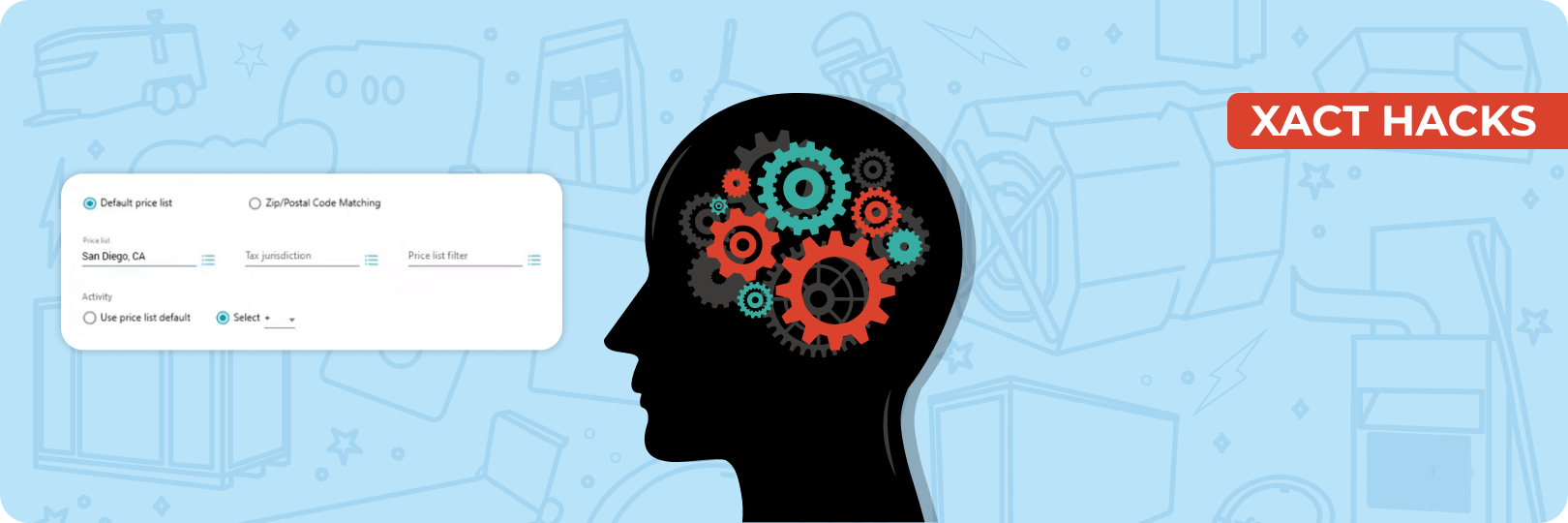
Accurate estimates are the backbone of any successful restoration or construction project, and having the correct price list is essential for accuracy. In Xactimate X1, requesting a price list has been streamlined but requires a clear understanding of the updated interface.
Whether you’re looking for the current Xactimate pricing, a free Xactimate price list, or even a specific Xactimate price list, knowing how to navigate the system can save time and avoid costly errors. This guide walks you through the process of requesting an Xactimate price list and ensures you're using the right data for your estimates.
Understanding Price Lists in X1
What Are Price Lists in Xactimate?
Price lists in Xactimate are essential data sets that detail the cost of labor, materials, and equipment for various construction and restoration tasks. They form the foundation for generating accurate and reliable estimates, ensuring every project is priced correctly based on prevailing market rates. Whether you’re dealing with roofing, flooring, or plumbing, an Xactimate price list provides standardized pricing to eliminate guesswork and establish consistency.
Why Do Price Lists Vary?
Xactimate price lists are tailored to reflect local market conditions, making them specific to geographic regions. For instance, pricing in Los Angeles may differ from Houston due to varying labor costs, material availability, and other factors. When you request an Xactimate price list, you can refine it by location (city or zip code) to ensure the data matches the project’s exact requirements. Additionally, price lists are updated monthly to capture changes in market rates, making it essential to work with the current Xactimate pricing. For example, if you’re estimating a project in July, you’ll need the most up-to-date list for that month to maintain accuracy.
How to Use Price Lists Effectively
Selecting the right price list is crucial for delivering accurate estimates. Using outdated or incorrect lists can lead to discrepancies, delays, and disputes. By ensuring you’re always working with the current Xactimate pricing, you minimize the risk of errors and streamline the approval process. Furthermore, for historical data or regional adjustments, Xactimate allows you to download specific lists (e.g., the Xactimate price list from San Diego in June 2023 or maybe February 2024 for retrospective estimates).
Accessing Free Xactimate Price Lists
If you’re looking for a free Xactimate price list, note that Xactimate typically provides access through its licensed users. While the lists are free to download within the software, a valid Xactimate subscription is required to access them. For estimators working across multiple regions or projects, the ability to quickly download and apply the correct price list for any location or timeframe is a game-changer.
Actionable’ Price List Update Summary
Every time Xactimate releases an update, we analyze and summarize it in our “Price List Update Summary” series. These summaries provide a clear breakdown of all the changes, including adjustments to labor costs, material pricing, and line items, making it easier for estimators to adapt their workflows.
Not only are these detailed summaries accessible, but they are also available for free on our website. Our extensive archive includes every price list update released by Xactimate since February 2016, allowing you to track pricing trends over time or reference older data for retrospective estimates.
Step-by-Step Guide to Requesting a Price List in X1
Here, we’ve outlined detailed steps to help you effectively request, download, and apply an Xactimate price list for your projects.
Navigating to the Pricing Tab
- Open X1 and locate the Preferences tab on the dashboard.
- Navigate to the Pricing section at the top of the interface.
- This section allows you to manage all price list-related configurations and ensures you’re set up to request or apply the correct price list for your estimates.
Setting Default Price Lists
- Go to the Pricing section under the Preferences tab in X1.
- Choose a price list to set as the default for your Xactimate account.
- Keep in mind that this selection will apply the chosen price list to all estimates by default.
- If you work with custom price lists frequently, this feature saves time by pre-applying the custom list across all your estimates instead of requiring manual updates each time.
- Remember to update this setting when working in a new region or switching between different estimate types to maintain accuracy.
Requesting a Price List
- In the Price List dialogue box, click on the menu icon (three lines or dots) to access request options.
- Select how you want to request the price list:
- By city, enter the city name associated with your estimate.
- By zip code, such as entering "19109" to pull the pricing specific to that area.
- By specific names, such as "CAST," which represents the California-San Diego price list.
- Enter the current Xactimate pricing date for the most up-to-date list or specify a previous date for a past price list.
Downloading and Applying a Price List
- Once the price list is requested:
- Choose the language in which you want the price list, such as English.
- Specify if the price list should be assigned to a specific profile, like a carrier or contractor profile, if applicable.
- For general use, skip profile-specific assignments to make the price list accessible across all estimates.
- Click “Download” to retrieve the requested price list.
- Confirm the download by checking if the price list appears in the Pricing section.
- Apply the price list by selecting it in the Pricing tab to ensure it’s used for all new estimates.
Requesting Price Lists Directly Within an Estimate
- Open an existing estimate in X1 where you want to apply a new price list.
- Navigate to the Claim Info section under the Parameters tab.
- Click on the Price List dropdown menu to manage the pricing.
- Select the smart list option (highlighted in blue).
- Request the price list by:
- Entering the city or zip code where the estimate is being created.
- Specifying the exact price list name, if you know it.
- Download the requested price list directly from this section to ensure accurate and up-to-date pricing is applied to the current estimate.
Master Xactimate Price Lists With Our
Xactimate Bootcamp
Our two-day comprehensive course aims to transform attendees into experts in Xactimate best practices and the Actionable Xactimate Profile. You will be able to deepen your understanding of Xactimate's evolution, history, and future, with a focus on learning the price list and best practices to use the software efficiently and effectively.
Accurate and well-managed price lists are the backbone of precise estimates in Xactimate X1. By following the methods and tips shared in this guide, you can enhance your estimating process and deliver results that build trust and efficiency.
About Actionable
We're a 501(c)(6) educational non-profit, meaning that everything we do goes into developing and maintaining tools and resources to help the industry thrive.
For any questions, reach out to us below: