Taking Matterport Scans of Large
Spaces with a Pro3
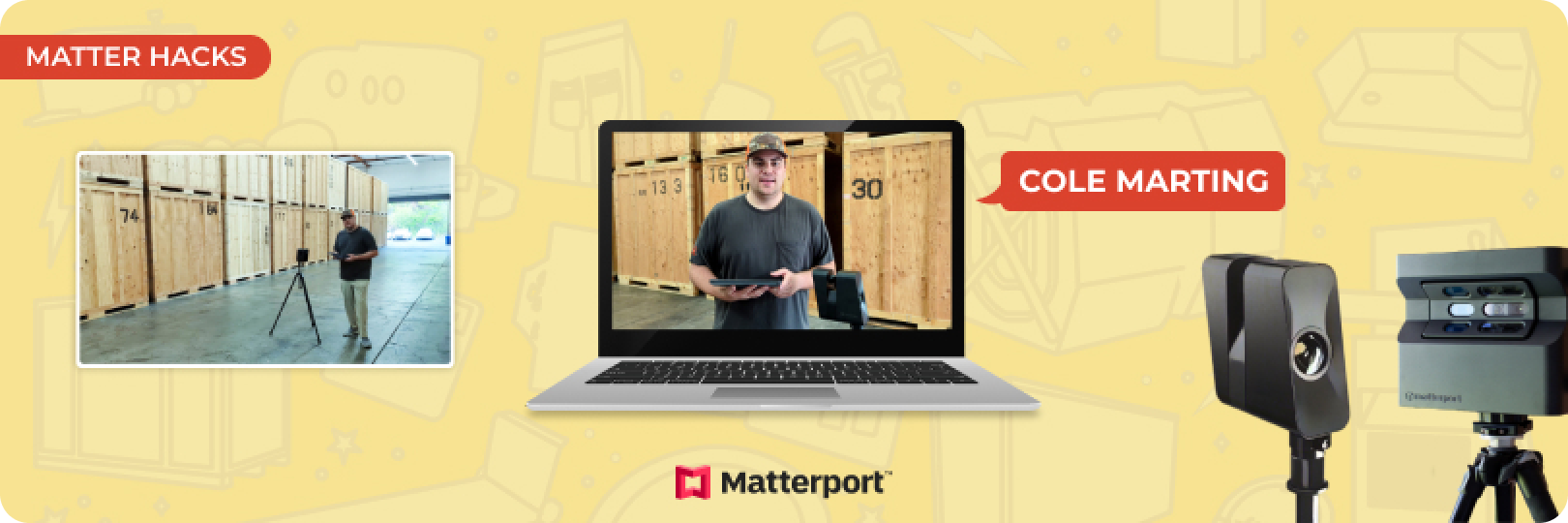
In industries like restoration and construction where large spaces are often involved, capturing every detail is essential. Taking Matterport scans of these spaces presents unique challenges due to their size and repetitive structures.
The Matterport Pro3 excels in this environment, offering professionals the ability to create high-quality scans. Its advanced features and improved functionality make it perfect for handling the complexities of vast environments while maintaining the precision and detail Matterport users rely on.
As part of the Matter Hacks series, Actionable aims to explore and demonstrate the capabilities of cutting-edge scanning technology like the Matterport Pro3. This article offers practical guidance on using this tool, especially in large spaces.
Why Matterport Pro3 is Perfect for Large Spaces?
The Matterport Pro3 is optimized to handle larger spaces with ease, offering significant improvements over previous models. Its ability to scan over greater distances and adapt to both indoor and outdoor environments makes it the ideal tool for large-scale projects.
Pro3 vs. Pro2
| Feature | Matterport Pro2 | Matterport Pro3 |
|---|---|---|
| Max Scanning Distance | 7-10 feet between scans | 30+ feet between scans |
| Outdoor Scanning | Limited, often unreliable | Optimized for outdoor environments |
| Accuracy | Requires AprilTags in repetitive spaces | No AprilTags needed |
| Repetitive Architecture | Requires additional tagging for accuracy | Handles repetitive architecture easily |
| Performance in Large Spaces | Requires multiple close scans | Covers larger areas with fewer scans |
| Speed | Slower scanning due to proximity | Faster due to extended range |
As the table illustrates, the Pro3 provides users with enhanced range, allowing for scans over greater distances, and reducing the number of matterport scans needed to cover large spaces like warehouses. Unlike the Pro2, which struggled with repetitive architecture and often required the use of AprilTags, the Pro3 performs smoothly even in complex environments.
Key Features of the Pro3 for Large Environments
Here are the key features that make it the go-to tool for professionals dealing with expansive environments:
Long Distance Scanning
One of the standout features of the Pro3 is its ability to scan distances up to 30 feet or more between waypoints. In a warehouse or large facility, users don’t need to make as many stops for scans, significantly speeding up the process. This is particularly beneficial when dealing with large, open spaces where previous models would have required multiple scans in closer proximity.
Accuracy
Despite the longer distances between scan points, the Pro3 maintains high accuracy, ensuring every scan is properly aligned. Even in environments with repetitive architecture, such as rows of shelving or pallets in a warehouse, the Pro3’s advanced technology captures every detail with precision. This level ensures that the Matterport scans are an accurate reflection of the actual environment.
Outdoor Capabilities
Another significant improvement in the Pro3 is its ability to perform well in outdoor environments. Whether scanning detached garages, pools, side yards, or parking lots, the Pro3 provides consistent, high-quality Matterport scans. This outdoor capability is especially valuable for industries where both indoor and outdoor spaces need to be documented.
No Need for AprilTags
One major advantage of the Pro3 over its predecessor is its ability to scan large spaces without needing AprilTags for alignment. In the past, the Pro2 required these markers in environments with repetitive features, such as warehouse aisles or large rooms with minimal variation. With the Pro3, these additional steps are no longer necessary, allowing for a faster, more streamlined process without sacrificing accuracy.
Step-by-Step Guide to Scanning a Large Space
with the Matterport Pro3
When scanning a large space with the Matterport Pro3, a systematic approach ensures every detail is captured accurately and efficiently. Here's a step-by-step guide to ensure the most effective use of the Pro3 in expansive environments.
Step 1: Start with the Construction Traffic Zone and Front Office Area
Before diving into the heart of the space, it’s important to start at the perimeter—particularly in areas like the construction traffic zone or the front office.
Capture the Full Scope of the Property
Begin by scanning the front office area and any external spaces like parking lots, equipment storage, or surrounding zones. These spaces often play a crucial role in project documentation, providing a full picture of the site’s environment.
Protection of the Site
By taking Matterport scans of the outside spaces, such as parking lots or areas with dumpsters, you will protect your team and company from potential liabilities. These scans act as a visual record, ensuring accurate documentation in case of future disputes about the property’s condition at the start of a project.
Step 2: Scanning Entryways with the “7 and 7” Rule
Next, transition from the front office or traffic zone into the larger warehouse space. This is where the “7 and 7” rule comes into play.
What is the 7 and 7 Rule?
When using Matterport to scan smaller spaces like doorways, hallways, or entryways, it’s essential to follow the “7 and 7” guideline. Place the Matterport Pro3 approximately 7 feet inside the door frame, and then another 7 feet on the other side to ensure full coverage.
Why Accuracy Matters?
Entryways are critical for navigation within the 3D model, particularly when estimators or project managers are reviewing the scan remotely. Scanning these areas precisely helps ensure smooth transitions between rooms and provides the necessary detail to show how different spaces are connected.
Step 3: Scanning the Actual Large Space
Once inside the main area, you can start leveraging the Pro3’s powerful long-distance scanning capabilities.
Extend Scan Distances in The Main Area
In the main area, you can take full advantage of the Pro3's range. Instead of placing the scanner every 7 feet, the Pro3 enables you to extend the distance between scans up to 30 feet or more.
Pushing the Limits for Efficiency
In large environments like a warehouse, time is valuable. The Pro3’s ability to push boundaries, scanning farther than previous models, like the Pro2, means fewer scan points and less time spent moving equipment. However, it still retains the precision necessary to ensure accurate, detailed results.
Want to see it in action? View our video walkthrough.
Best Practices for Scanning Large Spaces
When scanning large environments like warehouses with the Matterport Pro3, adhering to best practices ensures that your final model is both comprehensive and efficient.
Spacing Between Scans
One of the standout features of the Matterport Pro3 is its ability to scan large distances, but knowing when to apply different scanning techniques is key.
The “7 and 7” Rule for Small Spaces
In confined or detailed areas such as doorways, hallways, or entry points, stick to the “7 and 7” rule. Placing the Matterport scanner 7 feet from one side of the entryway and another 7 feet inside to ensure full, accurate coverage.
Extending to 30+ Feet in Open Spaces
Once you’ve entered a large space, you can start stretching the Pro3's legs. Thanks to its superior range, you can extend the distance between scans to 30 feet or more. This drastically reduces the time spent moving the scanner while still maintaining accuracy.
Positioning for Maximum Coverage
Proper positioning of the Matterport Pro3 ensures no critical information is lost during the scan.
Wide, Open Areas
In large environments, position the Pro3 at central points to capture the full breadth of the space. Placing it in the middle of aisles or large open areas minimizes the number of Matterport scans needed to cover the entire environment.
Avoiding Obstructions
Ensure that the Pro3 has a clear line of sight to maximize data capture. Avoid placing it too close to large objects that could block the view or limit the depth of the scan.
Scan from Multiple Angles
For particularly complex sections of the space such as those with heavy machinery or stacked inventory, scan from different angles. This ensures that all critical details are included and that no data is missed.
Capturing Key Areas
When scanning large spaces, it’s essential to focus on areas that are frequently used or require specific documentation.
Doorways and Entry Points
These areas should always be scanned with extra care, as they serve as transition points in the virtual model. Accurate Matterport scans here help users navigate the space more easily.
Exterior Spacess
Don’t forget about outside environments like parking lots, delivery areas, and equipment zones. The Matterport Pro3 excels in outdoor scanning, making it easier to capture comprehensive site data beyond just the interior.
Matter Hacks
Matter Hacks is a series started by Actionable that covers the best Matterport tips and tricks. From unique use cases of geospatial technology to exploring the various features, we cover everything you need to know about Matterport in quick and short tutorials. If you want to view the video of the tutorial instead, jump right in.
For more tutorials, visit our channel.
Become a Certified Matterport Expert in Just 6 Hours!
Matterport’s cutting-edge technology is revolutionizing the property insurance industry by bringing efficiency and transparency to the claims settlement process. At Actionable, we believe in helping professionals fall in love with their jobs again, and Matterport is making that possible for both contractors and claims specialists. With the Actionable Matterport Certification (AIMC) course, you'll master this transformative technology and gain the skills to seamlessly integrate it across your company. Whether it’s sales, operations, business development, risk management, or client retention, AIMC prepares you to harness Matterport's full potential for success.
Check it out nowAbout Actionable
We're a 501(c)(6) educational non-profit, meaning that everything we do goes into developing and maintaining tools and resources to help the industry thrive.
For any questions, reach out to us below: