Looking to become AI Matterport Certified?
Learn how to make the most of Matterport's game-changing technology with our online, self-paced training and certification course.
This page is a collection of what Actionable deems the best practice of implementing the digital assets provided by Matterport into a claims environment. We will discuss the use of Mattertags, Schematic Floor Plans, and Remote Estimating.
Incorporating Matterport in a Claims Environment
Matterport 3D imagery is extremely useful in a claims environment with the new practice of Remote Estimating. Remote estimating is provided by immersive walkthroughs that would allow for an Estimator to walk properties from the safety of a desk, while still being able to accurately calculate the amount of work or material necessary for the completion of a job.
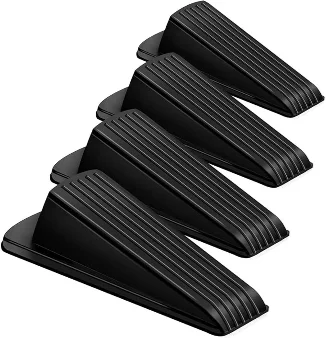
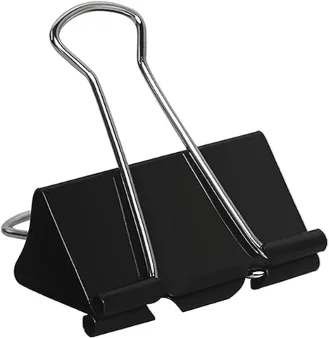
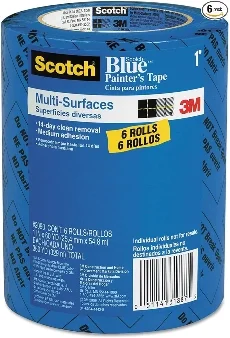
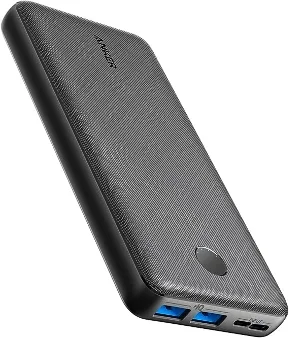
Actionable Powered Kit
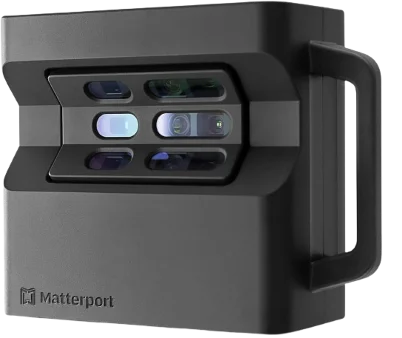
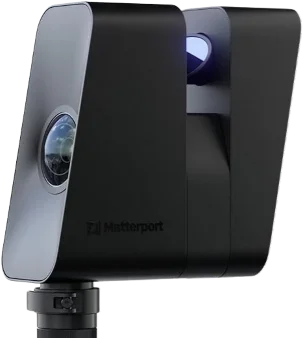
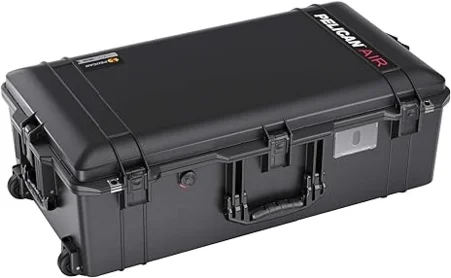
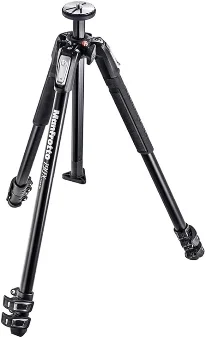
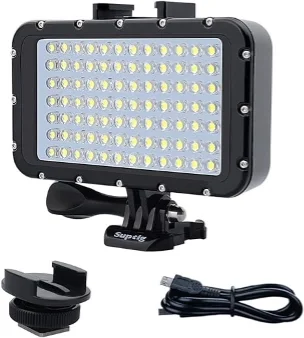
Actionable has worked with Matterport cameras for many years, and made our way through troves of gear. After such a long time, we’ve developed an arsenal of equipment that we stand by to operate our collection of Matterport cameras. We decided to share our recommended equipment loadout with the rest of the restoration community to help keep everyone well prepared for any size property.
ACTIONABLE PRO KIT
Our Actionable Pro Kit is comprised of the accessories you’ll need to operate your Matteport Pro camera in the property insurance industry.
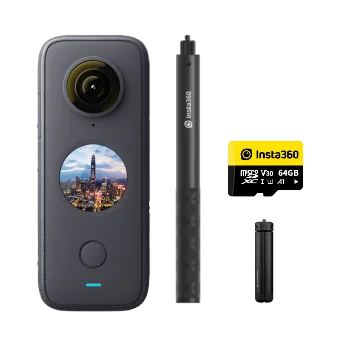
ACTIONABLE 360 KIT
Our Actionable 360 Kit is comprised of the accessories you’ll need to operate your Matteport compatible 360 camera in the property insurance industry.
Matterport Mattertag Standards
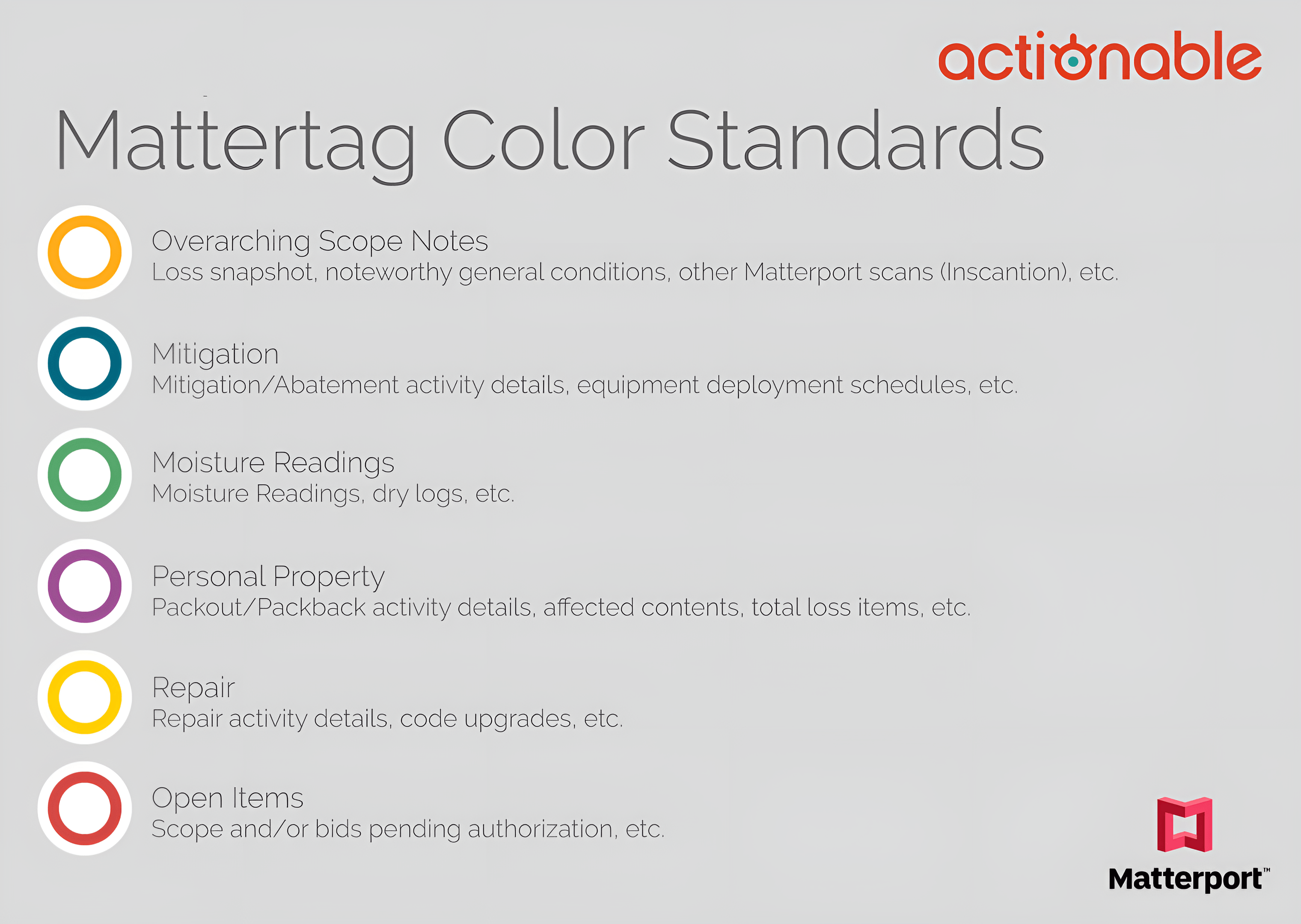
Actionable has worked with Matterport to develop a standard for the use of Mattertags when working with restoration scans. Mattertags are very useful tools that can allow a user to point out, with a colorful icon, things of importance to a 3rd party viewer.
Schematic FloorPlan by Matterport
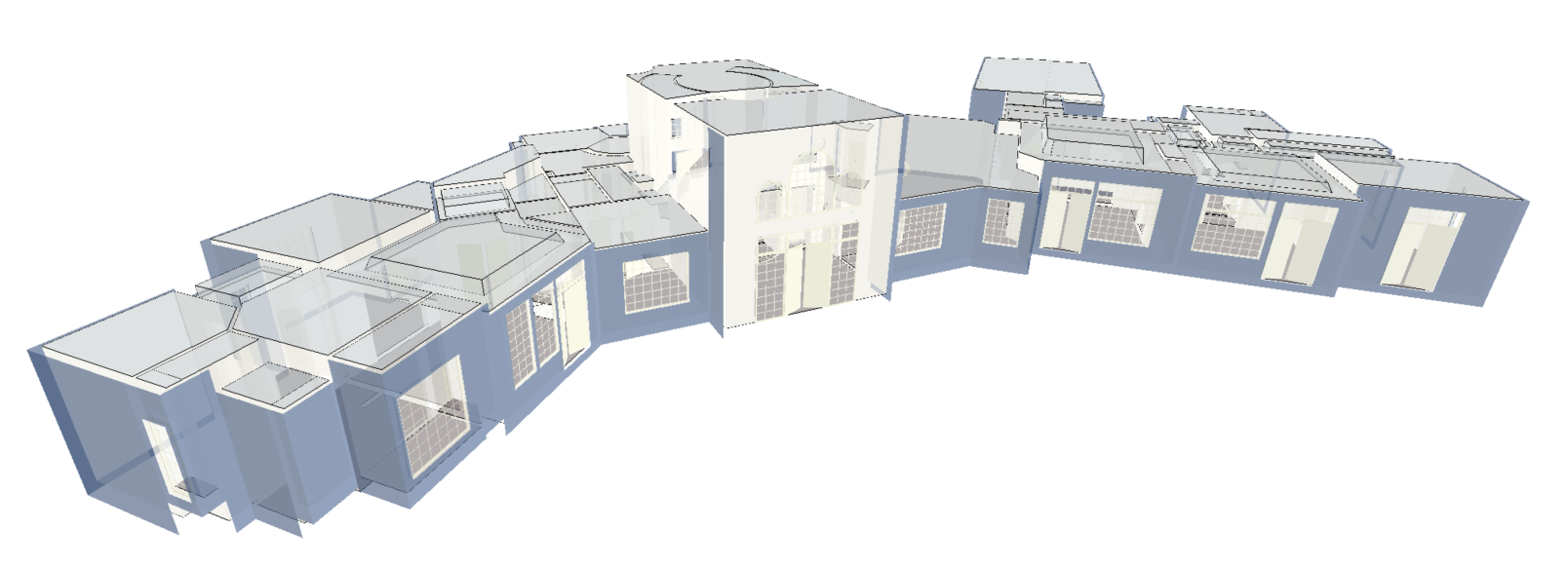
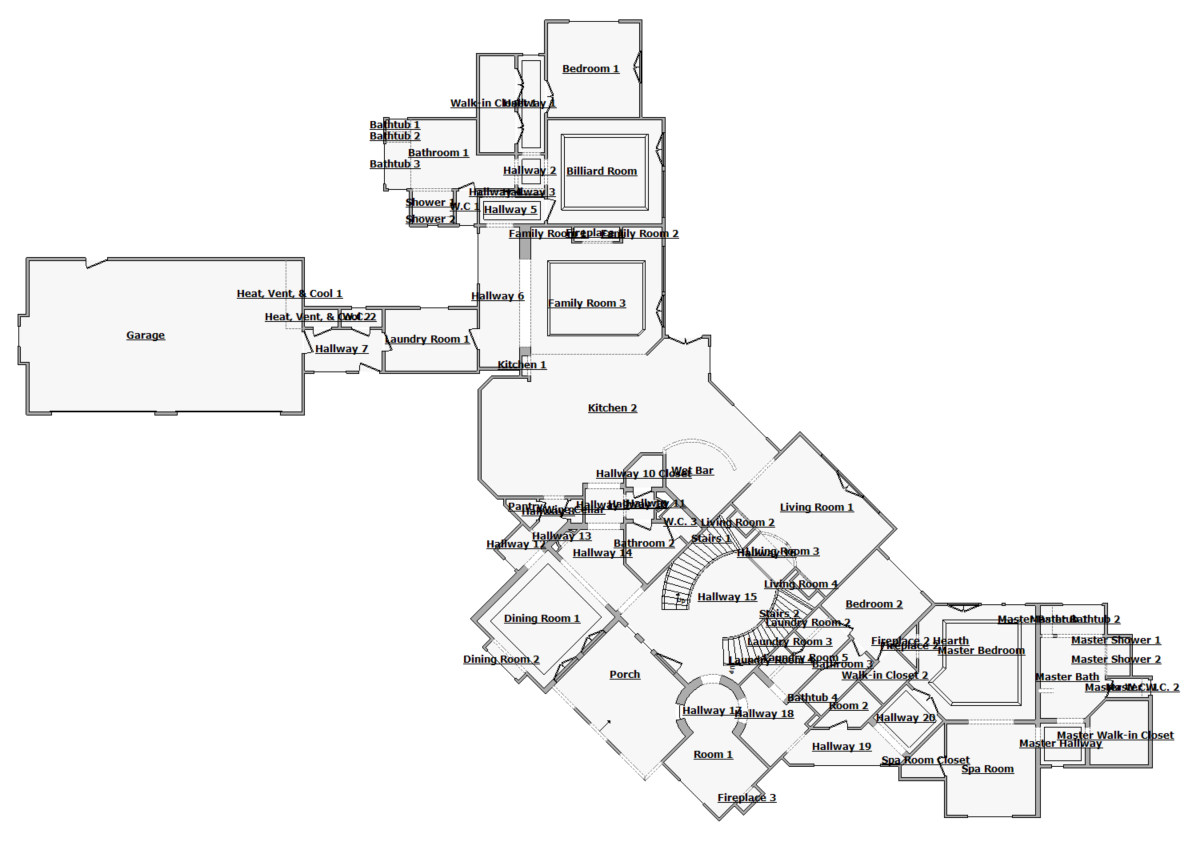
Matterport allows its users to purchase a black-and-white floor plan that can be used in Xactimate as a layout to develop your sketch, with accurate measurements of a property. This reduces your work and risk tremendously; you may now have an Estimator/Technician safely at the office measuring each corner of a property instead of walking through yourself with a tape measure.
Place your Order
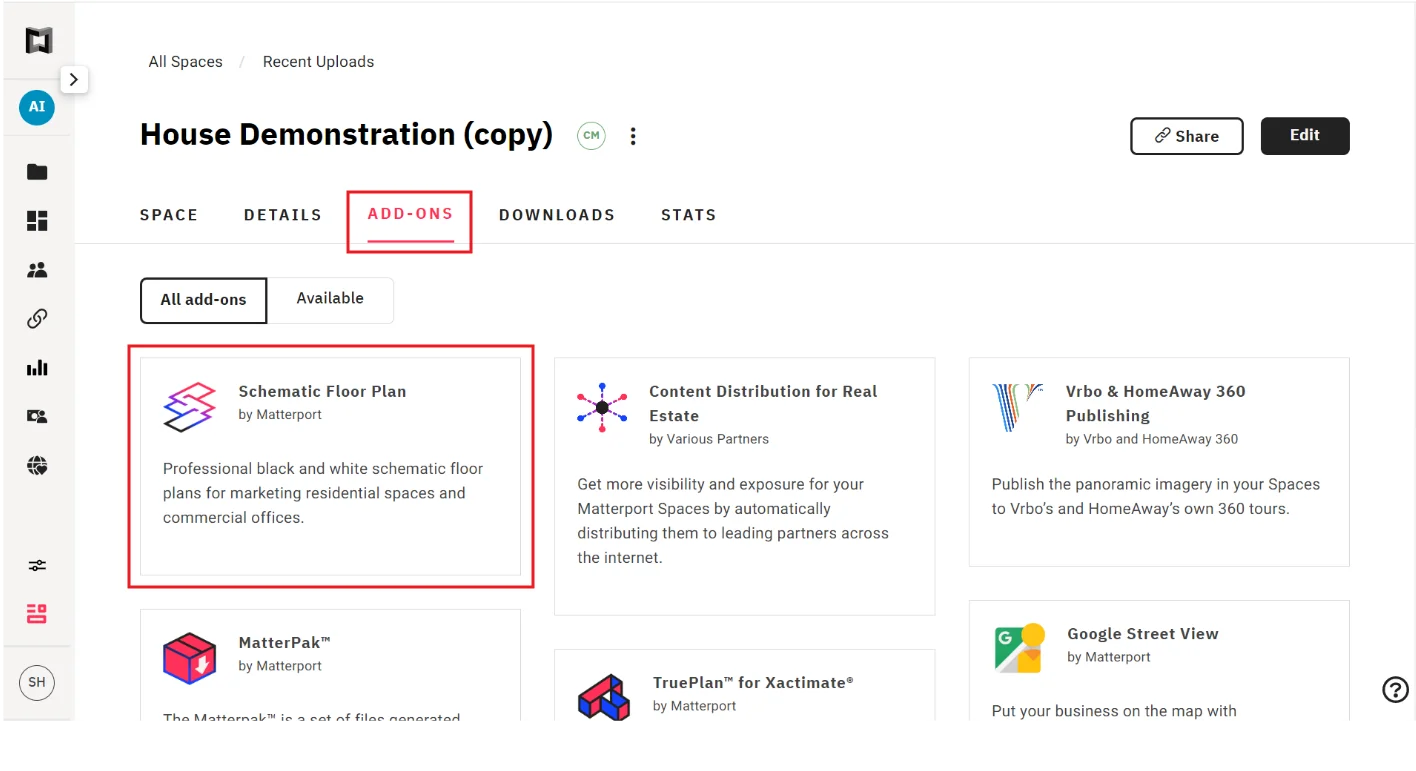
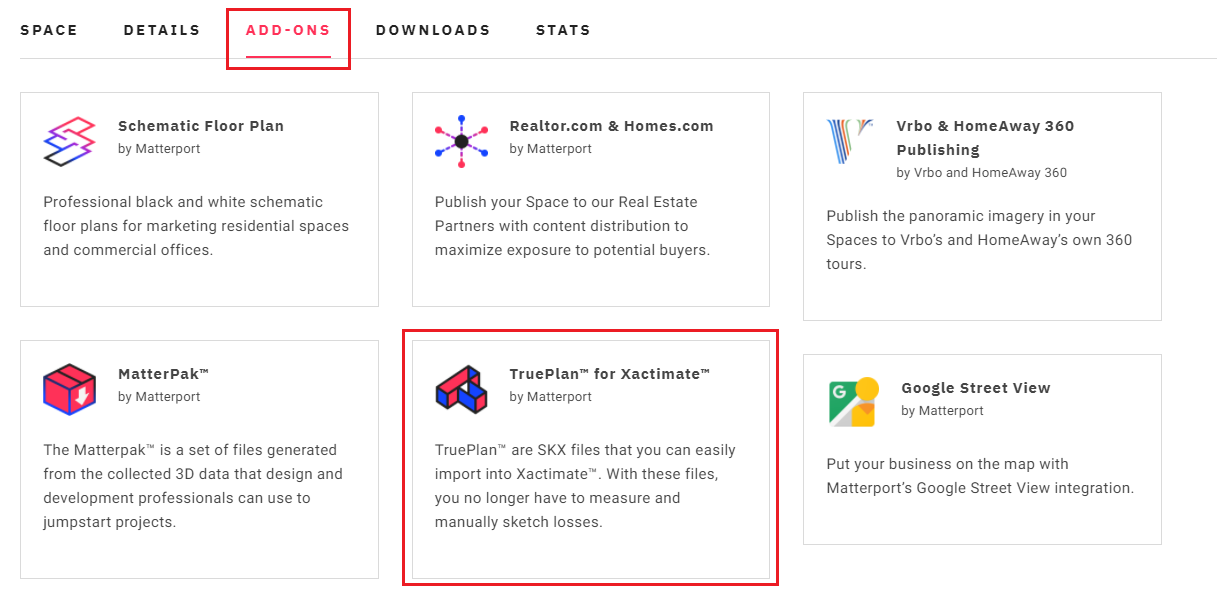
The Dollhouse Button must be turned on for your Space, and the Space must be set as Public or Unlisted to complete the Schematic Floor Plan. Matterport will not share your link beyond what is necessary to create your Schematic Floor Plan. Open your Space in Matterport Cloud and click on SCHEMATIC FLOOR PLAN under the ADD-ONS tab. You must have EDITOR ACCESS to this Space to place your order.
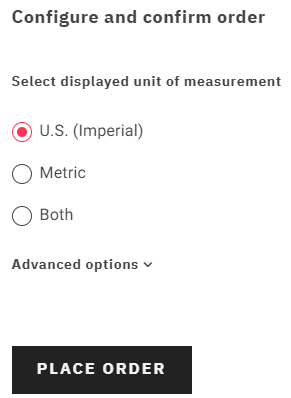
Click GET. Choose imperial, metric, or both and confirm the order by clicking the PLACE ORDER button.
Matterport can only deliver floor plans for Matterport Spaces that are 25,000 square feet or less. Please contact Matterport if you have concerns about a specific space
Matterport TruePlan™ for Xactimate
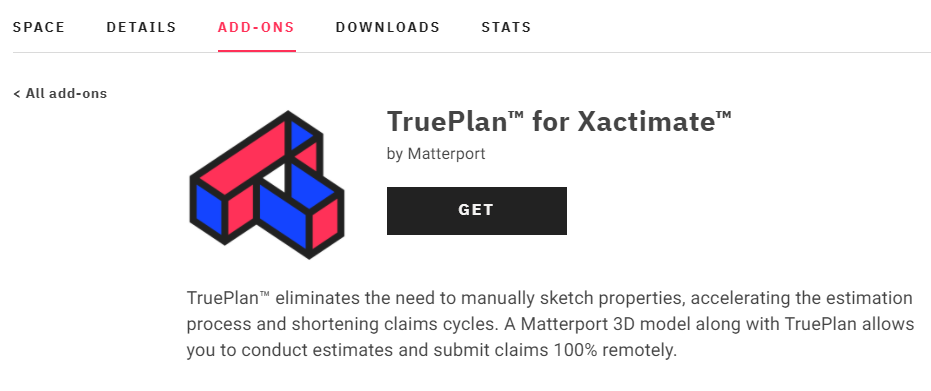
Matterport TruePlan™ is an additional deliverable that you can purchase after you’ve scanned a property and uploaded it to your Matterport Cloud account.
TruePlans are SKX files that you can easily import into Xactimate™. With these files, you no longer have to measure and manually sketch losses. This saves you valuable time so you can process insurance claims faster and more accurately.
How to order a TruePlan™ from my.matterport.com:
If the feature has been enabled on the account, anyone with Edit access to a model within the account can click on ‘TruePlan for Xactimate’ under the ADD-ONS tab.
If you do not see the option, it may not yet be enabled for your account. Matterport is working on being able to support everyone with access to TruePlan soon.
You can then click on GET. Orders typically take up to 48 hours to be delivered. CAT events can affect service levels and processing times. You will receive an email when it is ready. You’ll be able access the file from the DOWNLOADS tab.
3D Property Scanning: Case Study & Results
ATI Restoration has crunched the numbers and released a case study, “3D Property Scanning: Case Study & Results,” showing how much quicker and more efficiently you can settle a claim using Matterport’s technology.
“With 3D Scanning using Matterport’s TruePlan service, a hard cost savings of (or around) $123,191.41 ($110,000.70 + $13,190.71) per individual and a soft cost savings of 163 days of sketching time can be achieved.”
You can read more here: 3D Property Scanning: Case Study & Results
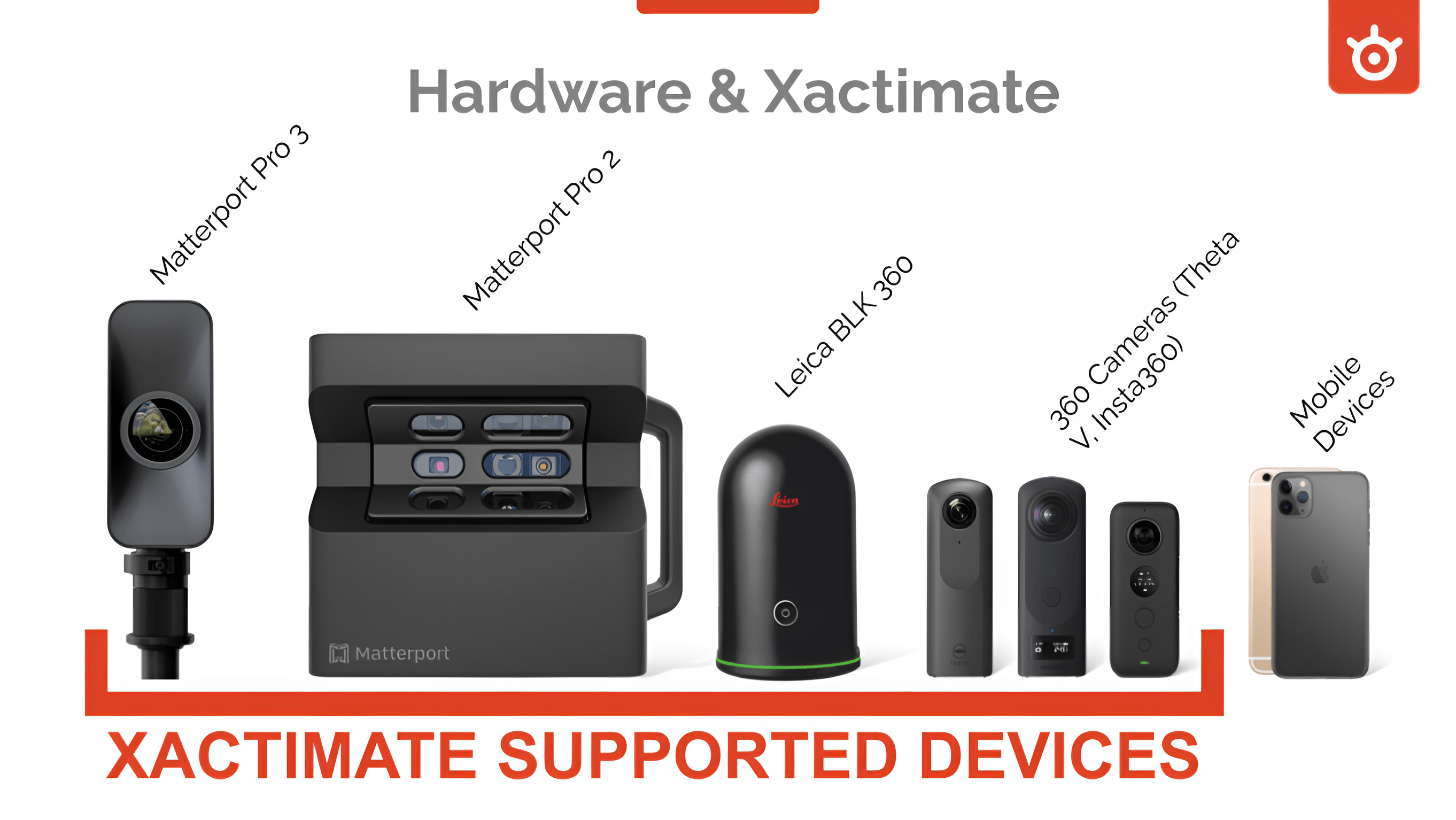
Matterport Supported Cameras
Matterport iOS Supported Devices
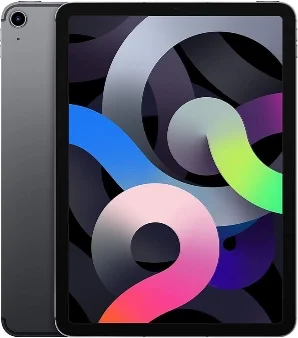
The iPhone or iPad is how you connect to the camera and control the scanning process. Generally we recommend you use the best iPhone or iPad you have available (i.e most powerful and most free space).
Not sure which one you have? Find the model number of your device, then identify your identify your iPhone model or identify your iPad model.
| Recommended | Minimum | Not Supported |
- iPhone (6S or newer)
- iPad Pro* (1st, 2nd, or 3rd generation)
- iPad (6th generation)
- iPad Air (2nd generation)
| - iPad (5th generation)
- iPad Air** (1st generation)
- iPad mini Retina 2, 3, 4**
(NOT the original iPad Mini)
| - iPad mini 1
- iPad 4 or earlier models
- Using an unsupported iPad can
cause the Capture app to crash.
|
Matterport Capture on Android
Matterport has officially released the Capture app on Google Play. With this app now generally available, anyone can Matterport their space using a Pro Series Camera or their favorite 360 camera. Read the full article here to learn more about the requirements needed to run Capture on Android.
Matterport Ninjas Facebook Page
Actionable prides itself with providing knowledge to anyone willing to inquire. Therefore, with Matterports support, we created a Facebook page to provide support, inspiration, and general tips for our fellow Matterport users. Members are strongly encouraged to give more than they take, but we don’t mind helping new users getting started!
Click below and join in the fun!
Matter Hacks YouTube Series
Matterport’s technology is rapidly changing the way property insurance claims are settled. Click below to join Actionable as we explore the impact of incorporating 3D technology into the claims settlement process.